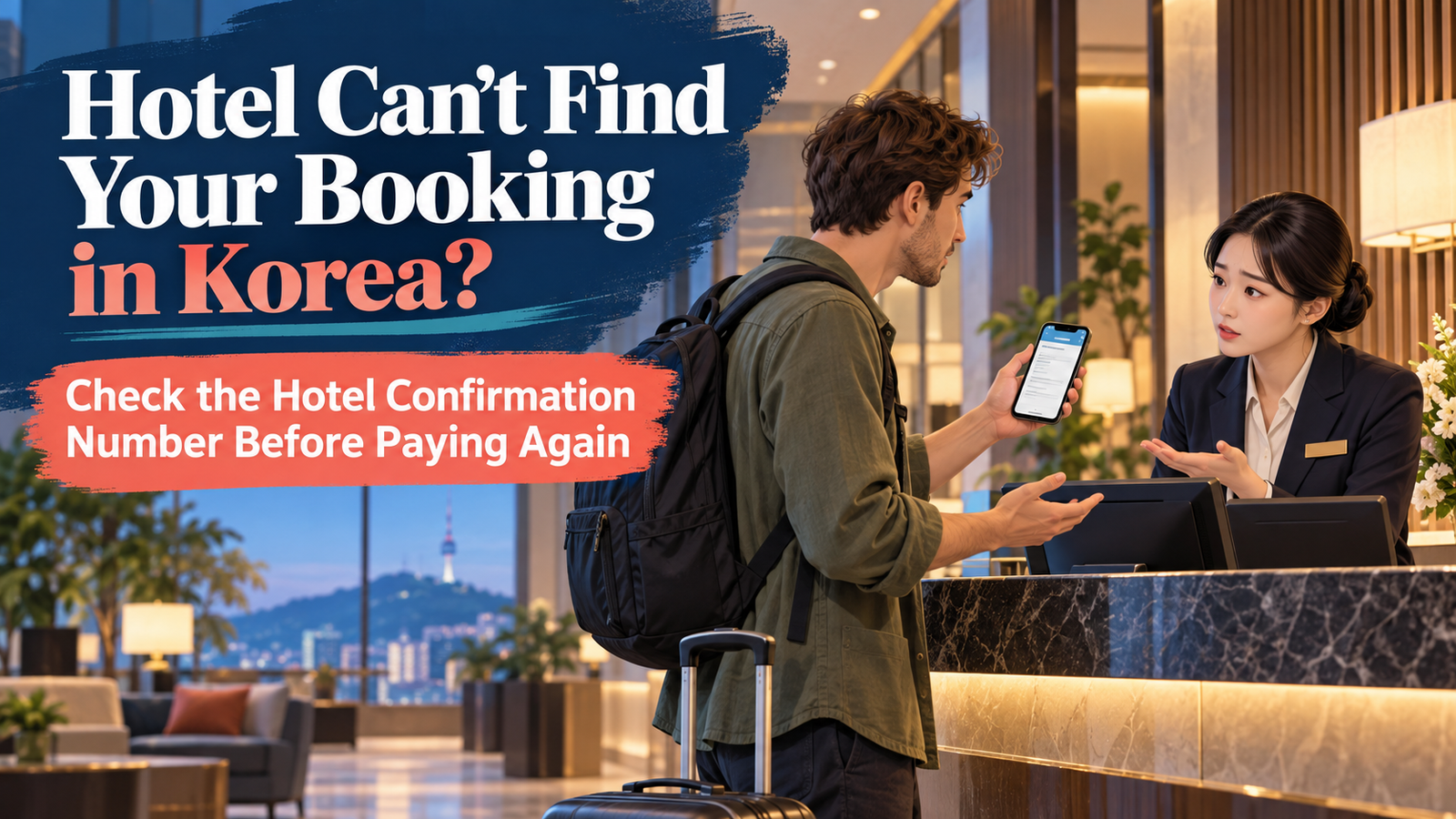
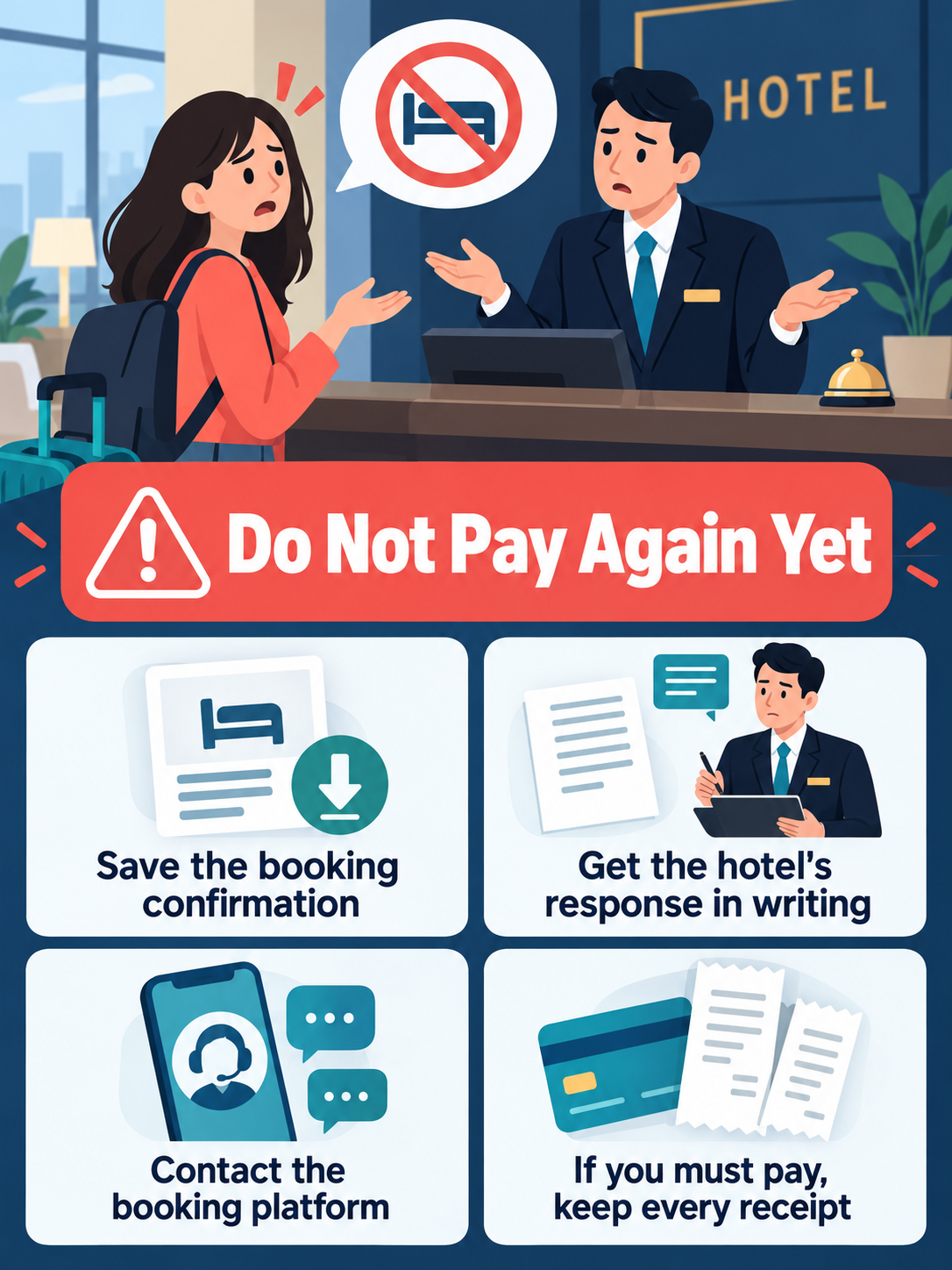
The hotel front desk says: “We can’t find your reservation.”
Do not immediately pay for another room.
First, open your booking confirmation and check:
- Exact hotel name and address
- Check-in date
- Guest name
- Booking number
- Reservation status
Then show the confirmation to the front desk and ask them to search again using the booking number and exact guest name.
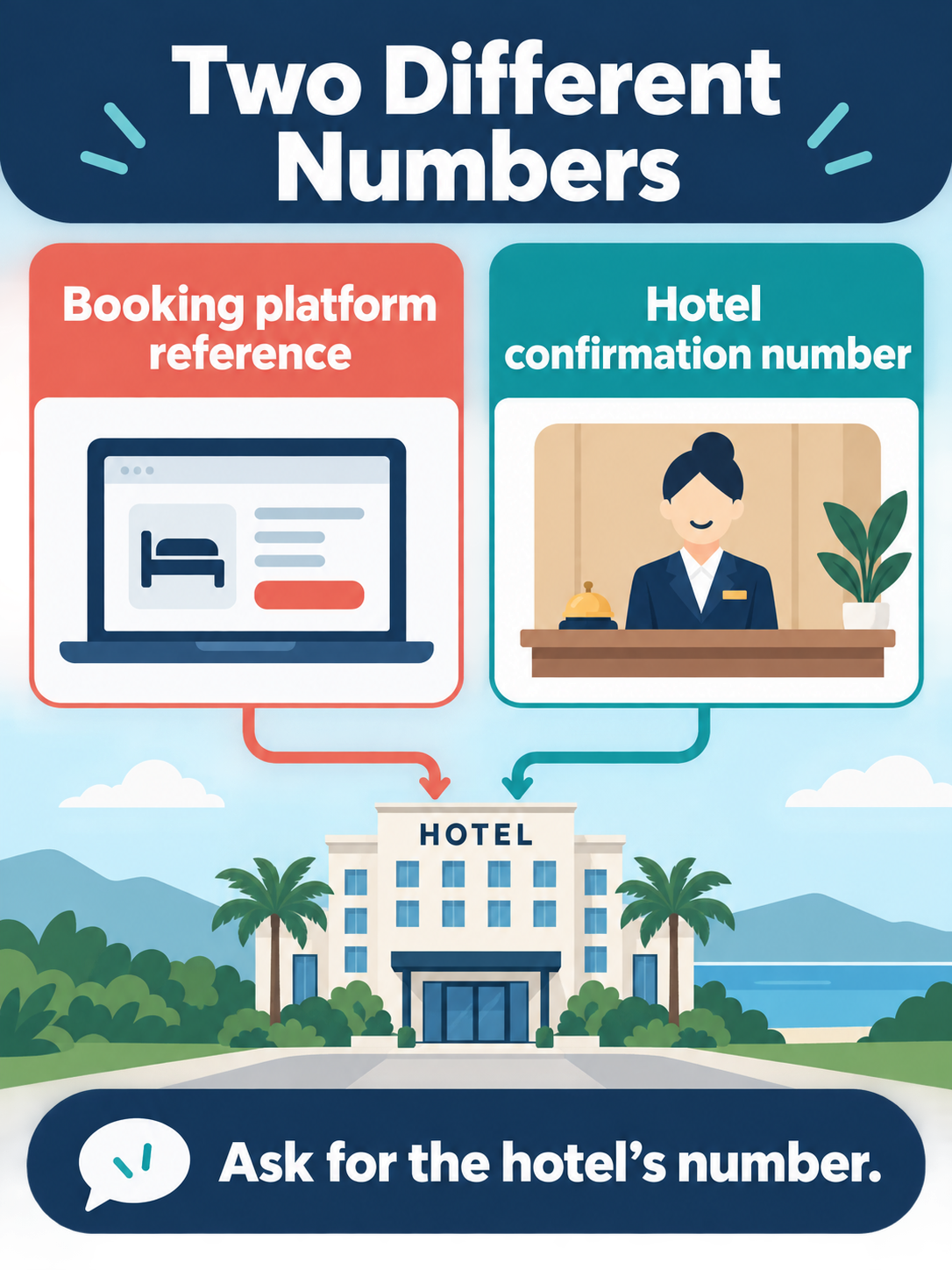
1. Check That You Are at the Right Hotel
Some hotels have similar names or multiple branches.
Compare your current location with the exact address in your reservation.
Wrong address?
Go to the property shown in your booking.
Correct address?
Continue to the next step.
2. Show Your Booking Confirmation
Do not rely only on telling the staff your name.
Open the reservation in the app or website you actually used.
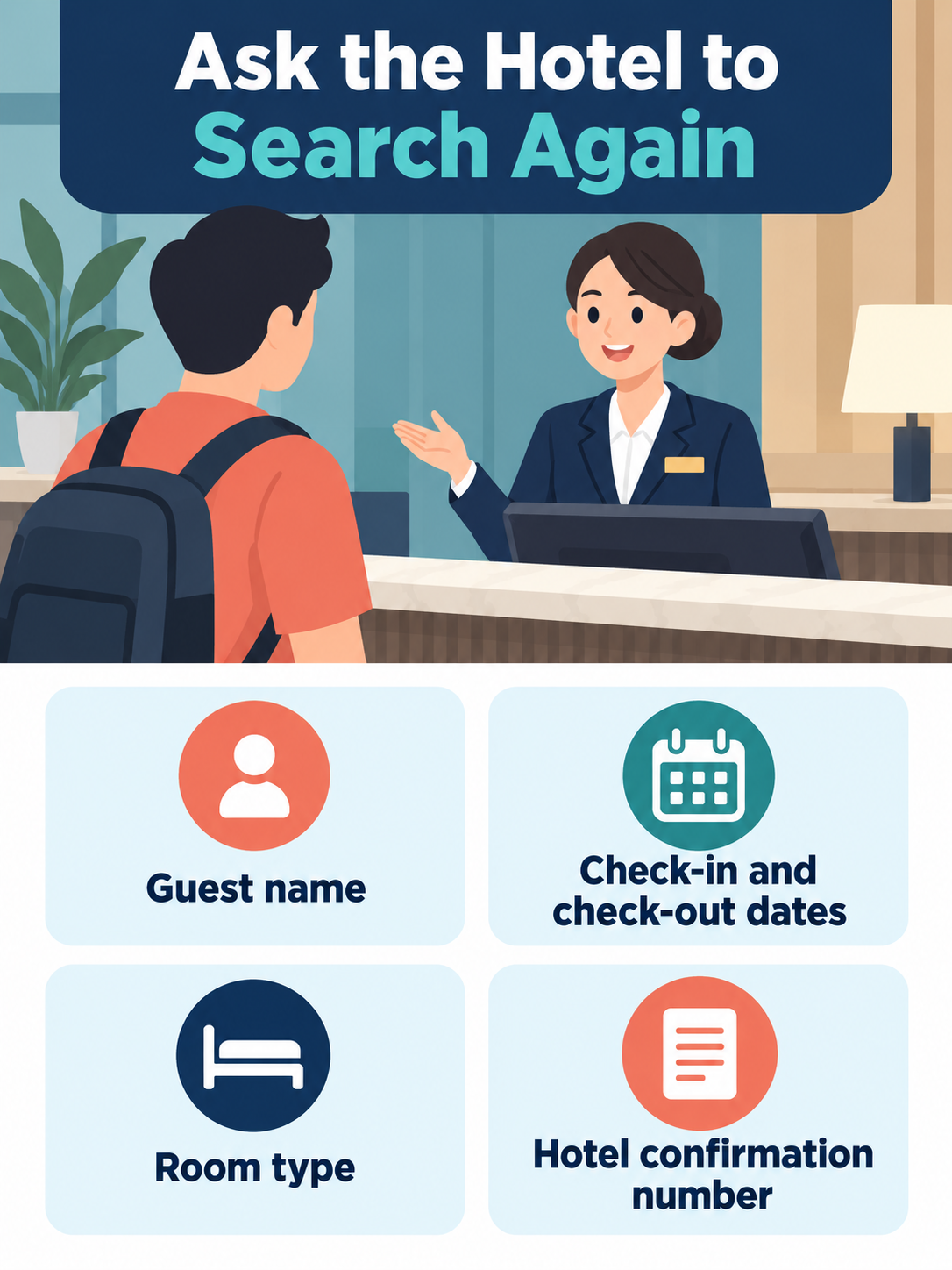
- Booking number
- Exact guest name
- Check-in and check-out dates
- Room type
- Reservation/payment status
Ask the staff to search again.
Show this to the front desk:
예약 확인서가 있습니다. 예약번호로 다시 확인해 주세요.
“Here is my booking confirmation. Please check again using the booking number.”
3. Check the Guest Name
The reservation may be stored under a different name.
Check whether someone else made the booking, another guest’s name was used, your middle name is included, or your first and last names appear differently.
Show the staff the exact name displayed on the reservation.
4. Still No Reservation? Contact the Booking Platform
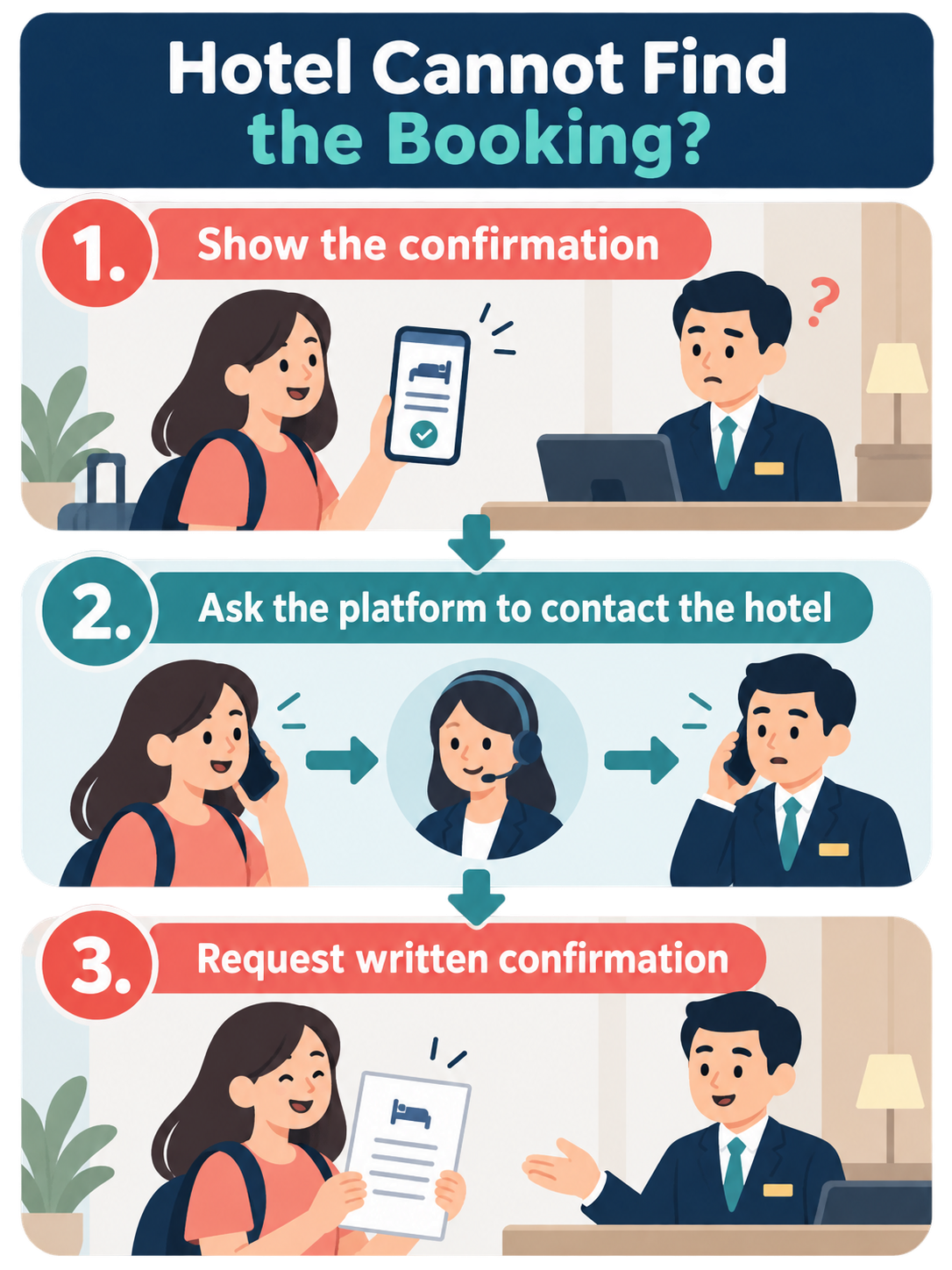
If the hotel still cannot find the booking, open the official app or website you booked through.
Go to the Help or Customer Service section connected to your reservation.
Tell support:
- You are physically at the hotel
- The hotel cannot find your booking
- You have a valid confirmation
- You need them to verify the reservation with the property
Keep the support chat or case number.
Avoid calling customer-service numbers found randomly through web searches. Use the support route inside the official app or website.
5. Do Not Cancel the Booking Too Quickly
Do not immediately press Cancel just because the hotel cannot find the reservation.
Cancellation and refund rules depend on your booking. Canceling it yourself could affect a later refund or dispute.
- Contact the booking platform.
- Explain that you are already at the property.
- Ask support to contact the hotel.
- Save the support conversation.
Only cancel after you understand what will happen to your payment.
6. Need Another Hotel Tonight?
If it is late and you still have nowhere to stay, ask the booking platform about your options before paying for another room, when practical.
Do not assume the platform will automatically reimburse a replacement hotel. The result depends on the reservation and platform policy.
If you must book another room, save:
- Original booking confirmation
- Original payment record
- Support conversation
- Hotel’s response
- Replacement hotel receipt
7. Save Evidence Before Anything Changes
Take screenshots while the original reservation is still visible.
- Booking confirmation
- Hotel name and address
- Check-in/check-out dates
- Room type
- Amount paid
- Reservation status
- Hotel messages
- Booking-platform support chat
If the hotel gives you a written explanation, save that too.
8. Language Problem? Show This
If communication is difficult, show the staff:
호텔에서 제 예약을 찾을 수 없다고 합니다. 확인을 도와주세요.
“The hotel says it cannot find my reservation. Please help me check it.”
Keep your booking confirmation open on your phone while asking for help.
For tourism-related assistance in Korea, the 1330 Korea Travel Helpline can provide travel information and language assistance.
Quick Decision Guide
Wrong hotel or branch?
→ Go to the address in your reservation.
Hotel cannot find your name?
→ Show the booking number and exact guest name.
Still no reservation?
→ Contact the booking platform through its official app or website.
Need another room tonight?
→ Ask the platform about your options first, when practical.
Must pay for another room?
→ Save every receipt and screenshot.
Refund or compensation dispute later?
→ Keep all booking, payment, hotel and support records.
When Is the Problem Actually Solved?
“We are checking” is not the final result.
The problem is resolved when you have confirmation of one of these:
- Your original room
- A replacement room
- Another solution confirmed by the booking platform
- A recorded cancellation/refund agreement
Save the final confirmation.
FAQ
Should I immediately pay for another room?
Not unless you need to. When practical, contact the booking platform first and ask what options apply to your reservation.
Should I cancel the missing reservation myself?
Be careful. Cancellation conditions vary. Contact the booking platform before canceling if the hotel cannot find a confirmed reservation.
What if the hotel says I never paid?
Show the reservation’s payment status and keep your payment record. Ask the booking platform to verify the transaction.
What if my booking does not appear in the app?
Check your confirmation email and the exact account used for the reservation. If you booked as a guest, use the confirmation information provided by the platform.
What evidence should I keep?
Keep your booking confirmation, payment record, hotel messages, platform support chat and receipts for any necessary replacement accommodation.
Where can I get help in Korea if language is the problem?
The 1330 Korea Travel Helpline provides tourism information and language assistance for travelers in Korea.
Sources
- Booking.com — Official Help Center / Reservation Support
- Agoda — Official Booking and Customer Support
- Korea Tourism Organization — 1330 Korea Travel Helpline
- Korea Tourism Organization — Tourist Complaint / Assistance Information
- Korea Consumer Agency — Accommodation Consumer Dispute Guidance
Leave a Reply