
Korea’s high-speed rail booking system changed in 2026. For trains operating from September 1, travelers can search integrated KTX and SRT services through the new KORAIL+ app and the official KORAIL website.
For most foreign travelers, the safest starting point is simple: use KORAIL+, check the exact departure station, and confirm that payment produced an actual ticket.
- Install or update to KORAIL+.
- Search using the correct departure station.
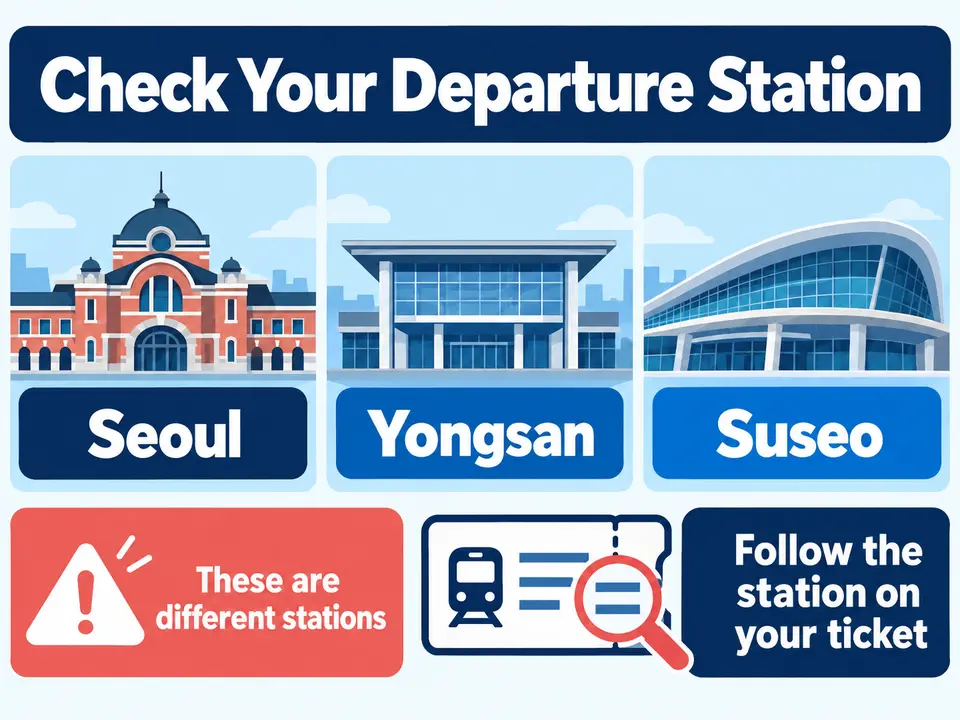
- Check whether the train leaves from Seoul, Yongsan, or Suseo.
- Choose member or guest booking when the official service offers it.
- Confirm the train, car, seat, and ticket status after payment.
KORAIL launched KORAIL+ on August 3, 2026. Tickets for integrated high-speed services operating from September 1 became available through KORAIL+ and the KORAIL website from August 5.
This guide was checked against official KORAIL information on September 4, 2026. App functions, payment methods, membership rules, and train schedules can change.
What Changed in September 2026?
KORAIL introduced KORAIL+ as its integrated booking app. Existing KorailTalk users can update their app, while new users can install KORAIL+ from an official mobile app store.
The important change is that one official KORAIL environment can now show KTX and SRT services together. KORAIL also says its service supports multiple languages for foreign passengers.
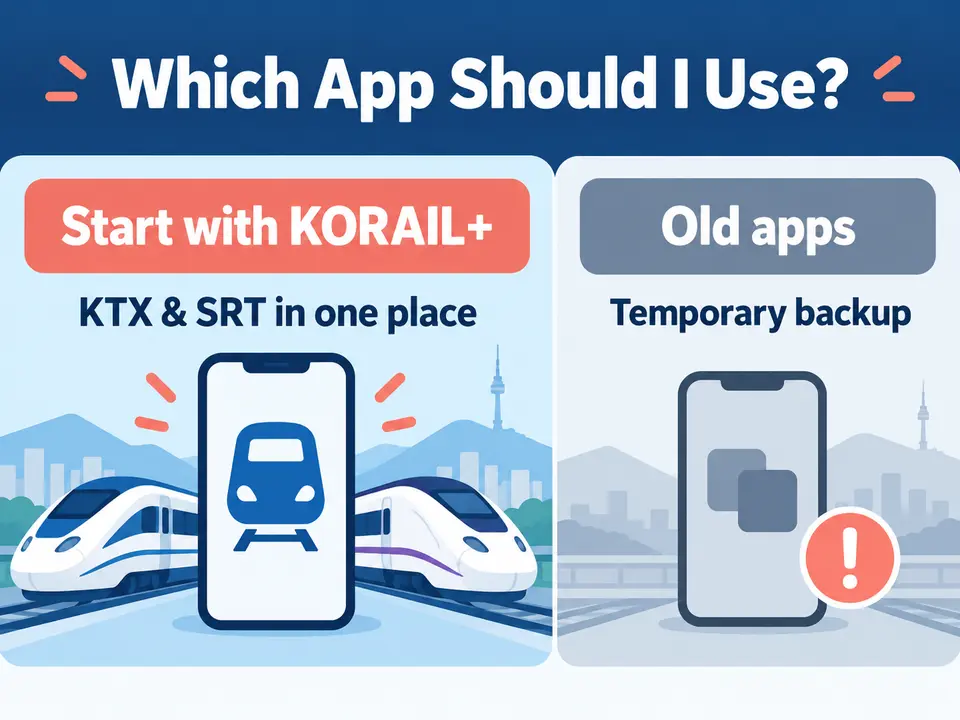
Do I Still Need the SRT App?
For trains operating on or after September 1, 2026, start with KORAIL+. The previous apps may remain available during the transition, but they should be treated as temporary alternatives rather than the main long-term booking method.
If a train does not appear, do not immediately assume it is sold out. Check the travel date, departure station, train type, and whether you are searching in the correct official service.
KORAIL+ or the English Website?
| Situation | Recommended starting point |
|---|---|
| Search KTX and SRT together | KORAIL+ |
| Prefer a computer and English interface | Official KORAIL English website |
| Already have a KORAIL account | Sign in through KORAIL+ |
| No Korean membership | Check whether guest booking is offered |
| Online payment fails | Check the reservation record and use a staffed counter if needed |
The official English website is useful when you prefer a larger screen. KORAIL+ is more convenient for managing a ticket while traveling in Korea. Special holiday sales can have different membership rules, so normal guest-booking options may not apply during Chuseok or another special reservation period.
Seoul Station, Yongsan Station, or Suseo Station?
Choosing the wrong station is one of the easiest and most expensive mistakes to make. Similar destinations can be served from different Seoul-area stations.
- Seoul Station: a major departure point for KTX services, including many Gyeongbu-route trains.
- Yongsan Station: commonly used for trains toward the Honam and Jeolla regions.
- Suseo Station: the traditional Seoul departure point for SRT services and located in southeastern Seoul.
A ticket showing Suseo cannot be used to board at Seoul Station. Always check the departure station, train number, departure time, and destination before paying.
How to Book with KORAIL+
Step 1: Install the official app
Search for KORAIL+ in your device’s official app store. If KorailTalk is already installed, check whether an update changes it to KORAIL+. Avoid unofficial apps or websites that use “KTX” in their name but do not identify themselves as KORAIL’s service.
Step 2: Select a language
Open the language menu and choose an available language you understand. The wording and availability of individual functions can differ between language interfaces.
Step 3: Enter the exact route
Select one-way or round trip, the departure and arrival stations, travel date, preferred time, and number of passengers. Searching from Seoul and searching from Suseo can show different trains even when the destination is the same.
Step 4: Compare the results
- Train type
- Departure station
- Departure and arrival times
- Journey duration
- Seat class
- Seat availability
- Fare shown by the official system
Do not choose a train based only on the earliest time. First make sure you can reach the correct departure station.
Step 5: Choose member or guest booking
Travelers with a KORAIL account can sign in. Foreign visitors should use an official guest or non-member route only when it is offered for that train and booking period. Save any retrieval password or reservation number used for a guest booking.
Step 6: Enter passenger details and pay
Enter the requested information carefully and review the route one more time before payment. If an overseas card fails, check whether a ticket was issued before trying again. A bank authorization message by itself does not prove that the booking is complete.
How to Confirm That the Booking Worked
After payment, open the official reservation or ticket record and verify all of the following:
- Passenger name
- Travel date
- Departure and arrival stations
- Train number and departure time
- Car number
- Seat number
- Confirmed or issued ticket status
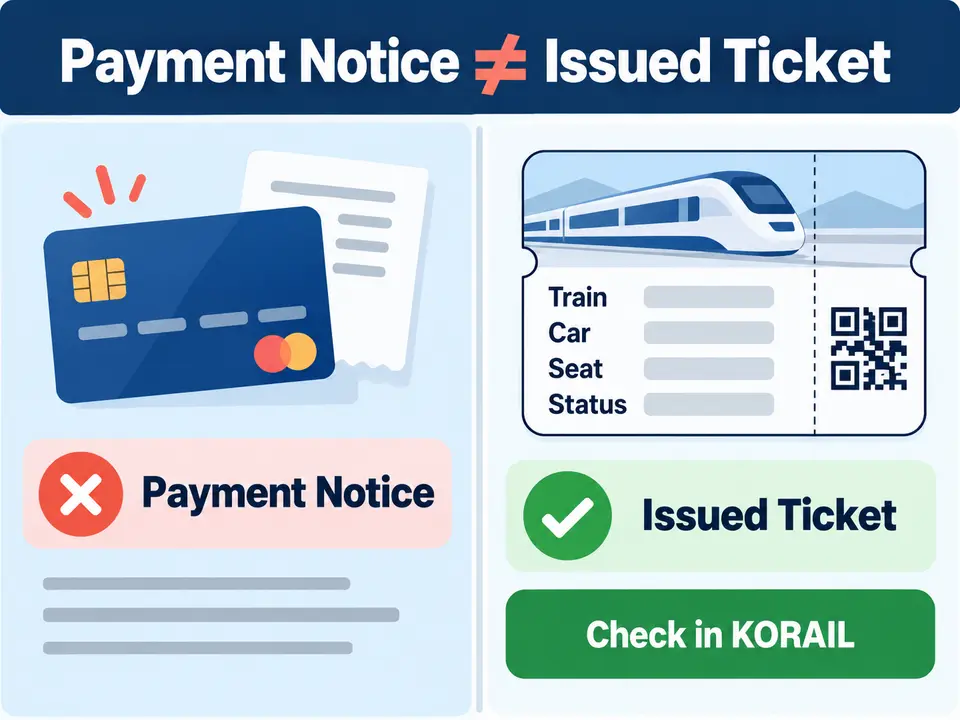
Save the ticket where you can open it without relying on station Wi-Fi. If the payment page closed or showed an error, inspect your reservation history before making the same payment again.
What If My Foreign Card Does Not Work?
First check both your card account and the KORAIL reservation record. A pending card authorization and an issued ticket are not the same thing.
- Check the official KORAIL service notice.
- Confirm whether your bank approved or rejected the transaction.
- Look for an issued ticket in KORAIL.
- Avoid repeated payment attempts until you know the booking status.
- If you are in Korea, use a staffed railway ticket counter as the official backup.
Bring your passport and payment card when resolving a booking problem at a station. KORAIL’s English customer service number is +82-1599-7777.
Before Paying: Final Checklist
- I am using KORAIL+ or an official KORAIL website.
- I selected the correct travel date.
- I checked whether the train leaves from Seoul, Yongsan, or Suseo.
- I confirmed the train number and departure time.
- I understand whether I am booking as a member or guest.
- I reviewed the passenger information.
- I will verify that an actual ticket was issued.
- I saved the ticket or retrieval information.
Frequently Asked Questions
Did KORAIL+ replace KorailTalk?
KORAIL+ launched as the integrated application on August 3, 2026. Existing KorailTalk users can update the application.
Can KORAIL+ show both KTX and SRT trains?
Yes. KORAIL states that integrated services operating from September 1 can be searched and booked through KORAIL+ and the KORAIL website.
Can foreign travelers book without a Korean account?
Guest or non-member booking may be available through certain official paths. Special holiday sales can require membership, so check the rules for your travel date.
Is Seoul Station the same as Suseo Station?
No. They are different stations in different parts of Seoul. Board only at the departure station printed on the ticket.
How do I know whether my ticket is confirmed?
Check the official ticket record for a confirmed status, train number, car, and seat. A payment notification alone is not enough.
Official Information
- KORAIL official English reservation website
- KORAIL official KORAIL+ announcement
- KORAIL English customer service information
Last checked: September 4, 2026. KORAIL may change legacy-app availability, membership procedures, payment support, and train schedules. Verify the official service before traveling.
Leave a Reply