
Foreign visitors in Korea can now use NAVER Passport Verification for some bookings, orders, and payments without completing Korean mobile phone identity verification.
The feature uses a foreign passport and a smartphone. It can help short-term travelers who do not have a Korean phone number, but it does not replace every type of identity verification used by Korean websites and apps.
Quick answer: If a supported NAVER Map service offers Passport Verification, follow that option and scan your passport with your phone. If the option does not appear, that particular service may still require another verification method.
This guide was checked against NAVER’s official announcement on September 7, 2026. Availability can differ by service, device, account, and booking flow.
What Is NAVER Passport Verification?
NAVER introduced Passport Verification on June 4, 2026 to help foreign visitors use selected services without a Korean mobile phone number.
According to NAVER, supported uses can include reservations, orders, and payments accessed through NAVER Map. The system verifies identity using information from a foreign passport.
This is useful because many Korean online services traditionally depend on mobile identity verification connected to a Korean telecom account.
Who Can Use It?
The feature is designed for foreign visitors with a valid foreign passport and a compatible smartphone.
You will generally need:
- A valid foreign passport
- A smartphone with a working camera
- An internet connection
- A NAVER account when requested by the service
- A booking, order, or payment flow that supports Passport Verification
Do not assume that every NAVER service or every Korean business supports the option. Check the verification choices shown in the exact service you are trying to use.
Passport Verification Is Not Korean Phone Verification
These are different verification methods.
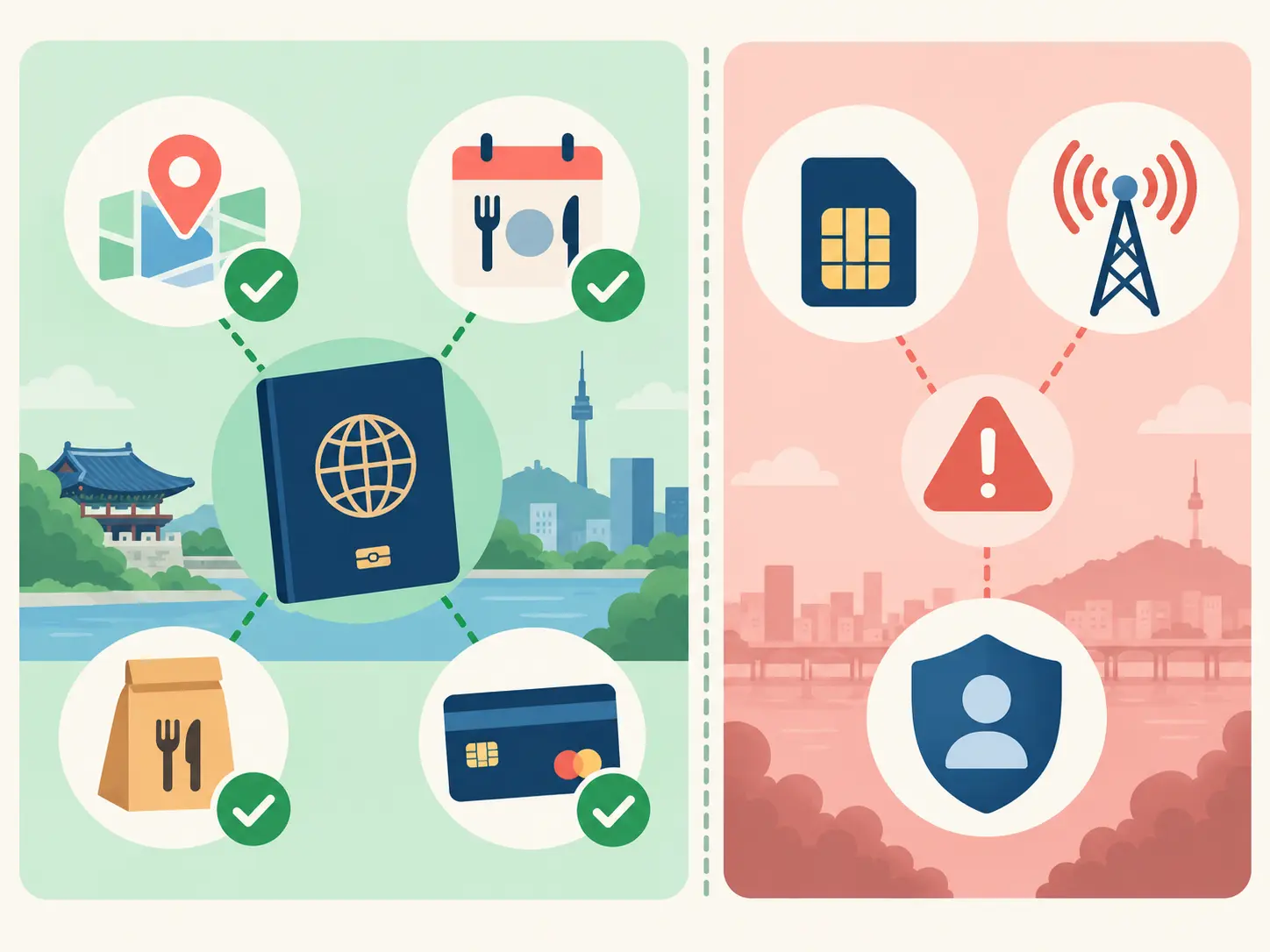
- Passport Verification checks a foreign passport through a supported mobile process.
- Korean phone verification normally checks the identity registered to a Korean mobile carrier account.
A prepaid tourist SIM or eSIM may provide data and a Korean phone number without providing Korean carrier identity verification. Passport Verification can solve some supported NAVER use cases, but it does not convert a tourist SIM into a verified Korean mobile identity.
How to Start NAVER Passport Verification
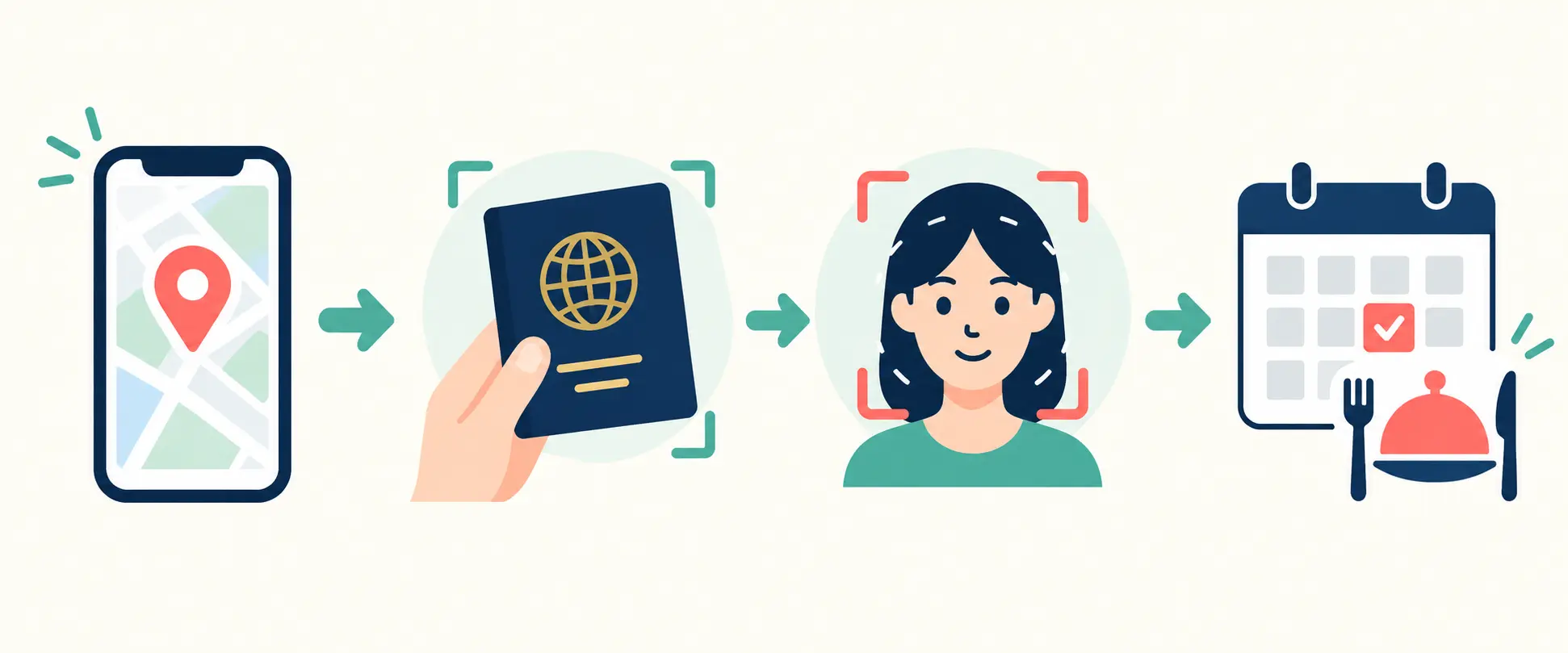
- Open NAVER Map. Use the current version of the app or mobile service.
- Find the place or service. Select the restaurant, attraction, shop, or service you want to use.
- Start the reservation, order, or payment. Continue until the identity-verification step appears.
- Select Passport Verification. Choose it only when it is displayed as an available option.
- Follow the passport scan instructions. Use the original passport and keep all information clear and readable.
- Review the result. Return to the service and confirm that the reservation, order, or payment was actually completed.
How to Scan Your Passport Successfully
Use your original, valid passport. Place it on a flat surface in a well-lit area and keep the information page fully visible.
- Remove any cover that blocks the passport edges.
- Avoid glare and strong shadows.
- Clean the phone camera lens.
- Keep the phone steady.
- Make sure the passport details are not blurred.
- Follow any instruction to use NFC if it appears on your device.
Do not upload a copied, edited, or damaged passport image. The exact scanning steps may differ depending on your phone and the version of the service.
How to Confirm That Your Booking Worked
Successful identity verification does not always mean the final booking or payment is complete.
After verification, check for:
- A reservation or order number
- The correct date and time
- The correct number of people or items
- A confirmed status
- A payment receipt when payment was required
- A confirmation inside NAVER or the relevant service
A card authorization message alone is not enough. Confirm that the service shows an actual completed reservation, order, or ticket.
What If Passport Verification Does Not Appear?
If the option is missing, it does not necessarily mean that your phone is broken.
Check the following:
- Update NAVER Map and restart the app.
- Make sure you entered the service through a supported booking, order, or payment flow.
- Try the mobile app if you started on a desktop browser.
- Check whether the business requires a different verification method.
- Ask the business whether in-person, phone, or walk-in service is available.
- Use NAVER’s official help service if the feature should be available but repeatedly fails.
What If the Passport Scan Fails?
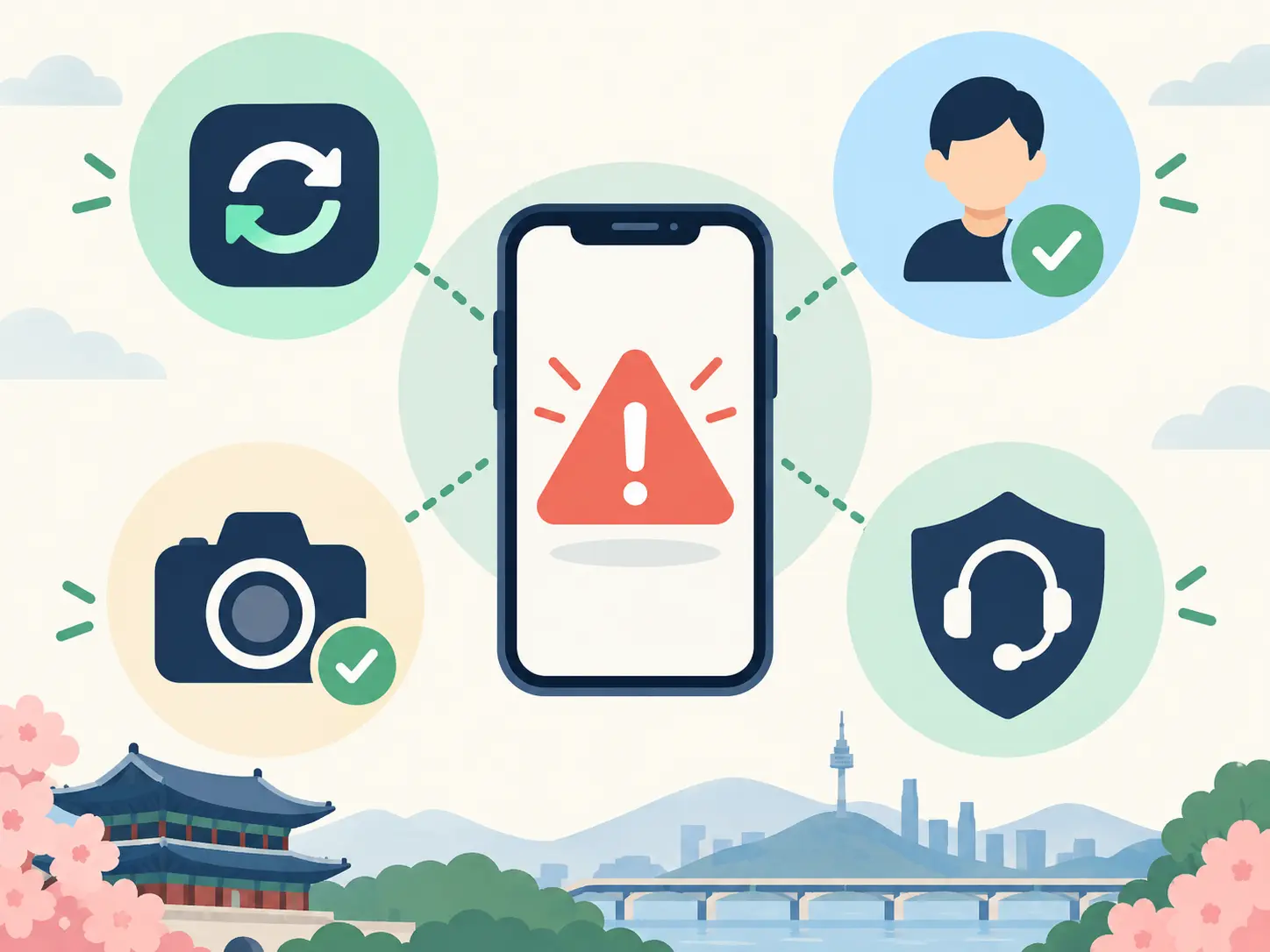
Try again in brighter, even lighting and keep the passport flat. Close other apps using the camera, confirm camera permission, and restart NAVER Map.
If the passport is damaged, expired, or unreadable, the system may not be able to verify it. Do not repeatedly submit altered images or another person’s passport.
If the scan succeeds but the service returns to the beginning, check your reservation history before trying again. This helps prevent duplicate bookings or payments.
Can You Use It for NAVER Pay?
NAVER’s announcement says Passport Verification can support selected payments as well as bookings and orders in supported NAVER Map flows.
However, this does not mean that every NAVER Pay function, merchant, card, discount, or financial service is available to every visitor. Payment acceptance can still depend on the merchant, card issuer, account, and service conditions.
Always confirm both the payment result and the final order or reservation status.
Do You Still Need a Korean SIM Card?
A Korean SIM or eSIM is still useful for mobile data, maps, calls, messages, and contacting local businesses.
But buying a tourist SIM does not automatically provide Korean mobile identity verification. Choose a SIM for connectivity, not because you assume it will unlock every identity-verified Korean service.
Passport Verification may reduce the problem for supported NAVER services, while other apps can still require a Korean phone identity, residence status, or another method.
Important Limitations
- The option may not appear in every service.
- It does not replace all Korean identity-verification systems.
- It does not guarantee that a foreign payment card will be accepted.
- It does not guarantee that a reservation or payment is complete after verification.
- Service availability and screen wording can change after an app update.
- Businesses may use their own booking or verification rules.
Before You Start: Quick Checklist
- Update NAVER Map.
- Prepare your original valid passport.
- Use a smartphone with a clear camera.
- Use stable mobile data or Wi-Fi.
- Check whether Passport Verification appears in the exact service.
- Review the date, time, people, items, and price before confirming.
- Verify the final reservation, order, or payment status.
- Keep the confirmation information accessible on your phone.
Frequently Asked Questions
Can I use NAVER Passport Verification without a Korean phone number?
Yes, when a supported NAVER Map booking, order, or payment flow offers Passport Verification. NAVER introduced the feature specifically to help foreign visitors verify themselves with a foreign passport.
Does it work with every NAVER service?
No. Availability depends on the specific service and verification flow. Use the option only when it appears.
Does a tourist SIM provide Korean phone identity verification?
Not automatically. A tourist SIM may provide data and a phone number without providing identity verification registered through a Korean carrier.
Does successful passport verification mean my booking is confirmed?
Not necessarily. Check for a completed reservation or order record, confirmation number, and payment status.
Can I use any foreign passport?
NAVER describes the service as using foreign passports, but the passport must be valid and readable. Device, document, and service compatibility can still affect the result.
What should I do if the option does not appear?
Update the app, confirm that the particular service supports it, try the mobile flow, or contact the business or NAVER help service for another official option.
Official Information
Last checked: September 7, 2026. NAVER may change supported services, verification steps, device requirements, and payment functions. Check the current screen and official help information before submitting personal information.
Leave a Reply